
WP Page Builder Plugin: Which One Should You Choose?

Choosing a page builder is really choosing how your site will be edited, and how fast it will load, for years. Pick one that fights your content team or bloats every page, and you’ll be living with it until the next rebuild.
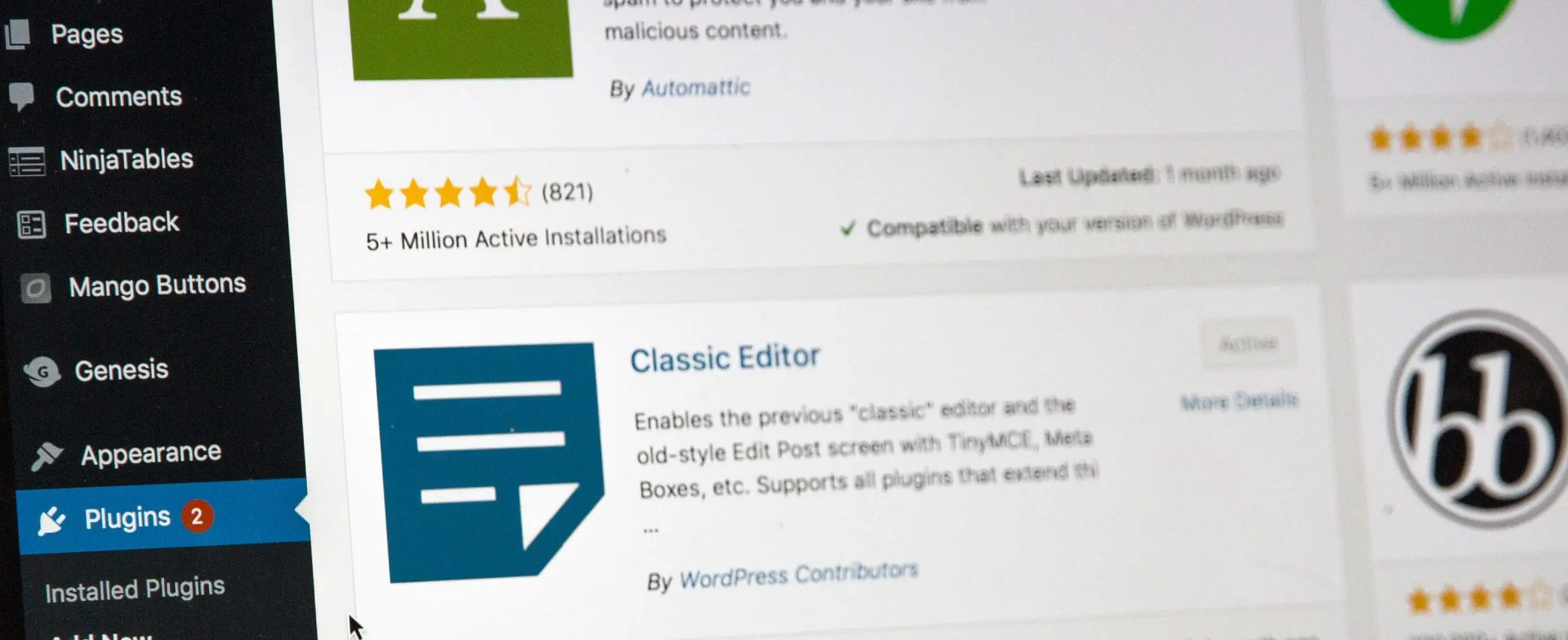
Below we compare the most common options, from the native block editor to custom themes built with Advanced Custom Fields and the popular drag-and-drop builders, so you can match the tool to the people who’ll use it. We build with all of them, and the right choice varies by project.
1. The block editor and Site Editor (Gutenberg)
The block editor, first released in WordPress 5.0 in 2018, is now the default way to edit content in WordPress, and it has matured considerably. With block themes, the Site Editor extends the same blocks to headers, footers and templates, and theme.json gives developers central control over colors, typography and spacing, including which options editors can and can’t change.
For a custom build, the strongest setup is usually a block theme or a hybrid theme with a set of custom blocks designed for the site, plus block patterns for common sections. Editors get a visual, consistent editing experience, and the front end stays lean because no third-party builder is loading its own framework.
The tradeoffs are that custom blocks take development time to build well, and the editing experience depends on how carefully the theme locks down styles and patterns. An unconstrained block editor gives editors enough freedom to drift away from the design. Our guide to full-site editing covers block themes in more depth.
2. Advanced Custom Fields
Advanced Custom Fields (ACF) is a common choice for custom themes because it separates content from design. Developers build each section of the site as a template, and editors fill in clearly labeled fields rather than arranging layouts by hand.
The result is a lightweight, fast-loading site that matches the approved design closely. Editors work with a small set of options, which makes updates quick and keeps the design consistent.
Two ACF features do most of the work. Flexible Content lets editors add, remove and reorder predefined page sections, and ACF Blocks let developers build custom blocks for the block editor with PHP templates and fields. ACF Blocks are often the best of both worlds: the visual editing of the block editor with the structure and speed of a custom theme.
The limitation is that ACF doesn’t let editors design new layouts in the browser. If your team wants to build new page designs without a developer, a drag-and-drop builder may suit you better.
3. Elementor
Elementor is one of the most widely used WordPress page builders. Its editing panel sits in a sidebar next to a live preview, and editors drag widgets into place and edit text inline.
Elementor suits teams that want the flexibility to design and rearrange pages in the browser. The tradeoff, as with most drag-and-drop builders, is extra markup, CSS and JavaScript on the front end, which makes performance tuning more important. A well-configured Elementor site with a global design system, a minimal set of add-ons and good caching can perform well, but it takes discipline.
4. WPBakery
WPBakery, once known as Visual Composer, has long been bundled with premium themes sold on marketplaces such as ThemeForest. It lets you build pages from rows and columns, add elements to each and adjust spacing and backgrounds without code.
WPBakery stores layouts as shortcodes in post content, so if the plugin is deactivated, pages show raw shortcodes instead of the design. It also adds significant markup, and responsive layouts need checking carefully on tablets and phones. It’s most common on older sites, and many of those are good candidates for migration to the block editor or a custom theme.
5. Divi
Divi from Elegant Themes is a long-standing theme and builder with a loyal following. It offers a visual front-end editor and a large library of prebuilt layouts.
Earlier versions of Divi stored layouts as shortcodes, which tied a site’s content to the builder. Divi 5 is a ground-up rebuild that moves away from shortcodes to a block-based storage format, so check which version a site uses before planning updates or a migration. Divi is a premium product with no free version. Its large set of options gives editors a lot of control, but it can also make the interface slower to learn.
6. Beaver Builder
Beaver Builder is known for a straightforward front-end editing experience and relatively clean output. It is often chosen by teams that want a visual builder with a gentler learning curve and a smaller feature set than Elementor or Divi.
Like other builders, it adds its own layout code, so a custom theme will usually be lighter. Its ideal user is someone who wants to edit and rearrange pages visually and is comfortable working within the builder’s modules and templates.
How to choose
- Choose the block editor or ACF Blocks when performance and consistency come first. This suits most business sites where editors update content but the layout system is set by the design.
- Choose ACF Flexible Content for highly structured content. It works well when many pages share the same set of sections and editors want a simple form-based interface.
- Choose a drag-and-drop builder when editors need to create new layouts themselves. Elementor is the most common choice, and it pays to budget for performance tuning.
- Think about the exit. Content stored in a builder’s own format is harder to move later. Native blocks and ACF fields are easier to migrate.
Whichever you pick, a disciplined setup matters more than the tool: a defined set of components, global styles, and an editing experience that makes it hard to break the design.
Not sure which approach fits your project? Our WordPress development team builds with the block editor, ACF, Elementor and Oxygen, and can recommend the right setup. Get a proposal.



Get started now
Start with a risk-free, no obligation proposal delivered to your inbox in one business day or less.
Get Started- 5-Star Rated Technical Partner
- 100% White-Label - Sign our NDA
- 90-Day Code Guarantee


